BluetoothProjectors
Menu

Choosing a Bluetooth Projector for iPhone

Start with the video connection. An HDMI adapter can suit a fixed home setup, while a compatible wireless receiver can be convenient for photos. Bluetooth handles a separate task when the projector sends sound to headphones or a speaker.

Bluetooth projector choices for iPhone

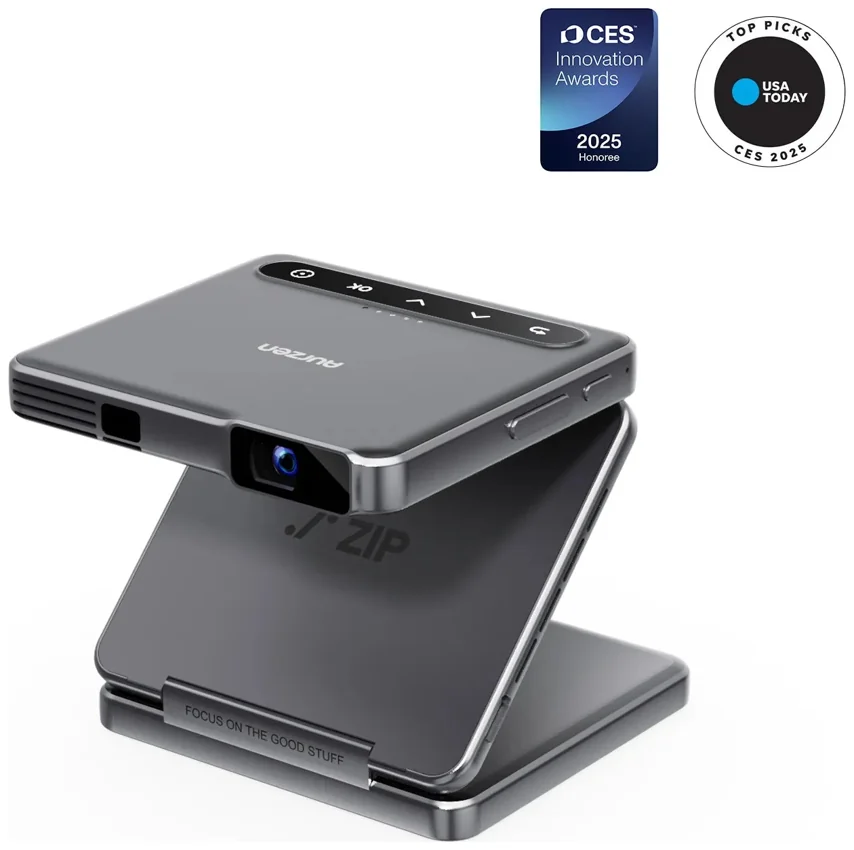
Aurzen ZIP — Tri-fold stand in viewing positionAurzen

Aurzen ZIP

The Aurzen ZIP folds into a pocket-size shape, then opens into its own adjustable stand. It suits travelers who want to mirror a phone without packing a tripod. Its native 720p image and small speakers favor a modest screen in a dark room, with Bluetooth headphones as an option for private listening.

  • Display resolution: Native 720p DLP
  • Bluetooth: 5.4
  • Built-in speakers: 2 × 1 W
View Product Details
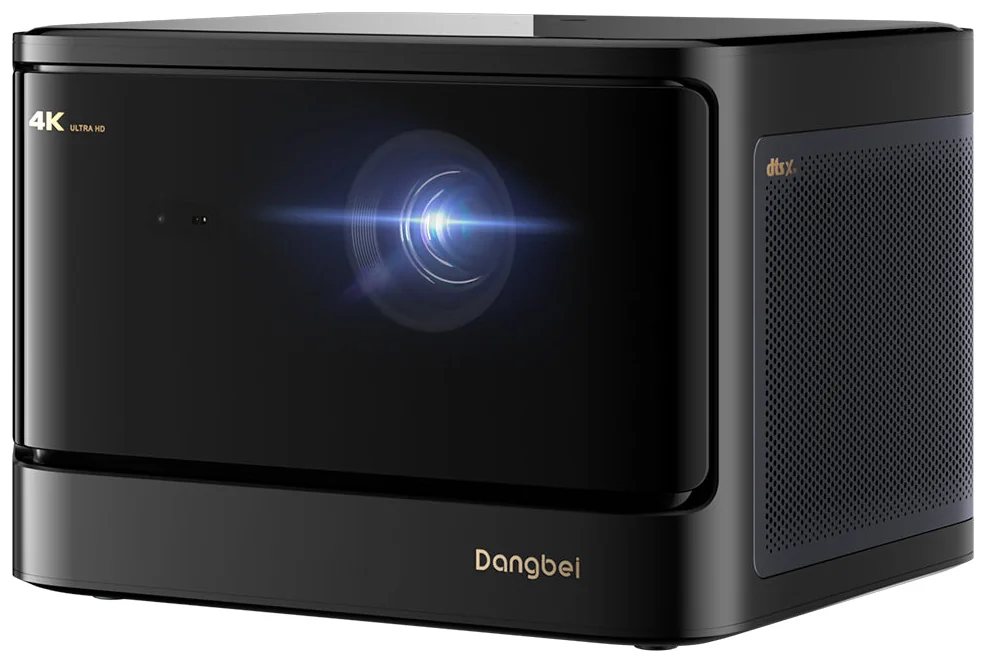
Dangbei DBOX02 — Front three-quarter viewDangbei

Dangbei DBOX02

The DBOX02 is a 4K laser projector for a room with space between the lens and the screen. Google TV supplies onboard streaming, while the pair of HDMI inputs leaves room for disc playback or a console. Built-in stereo speakers can get a setup running before you connect a compatible home theater sound system.

  • Display resolution: 4K UHD
  • Bluetooth: 5.2 / BLE
  • Built-in speakers: 2 × 12 W
View Product Details
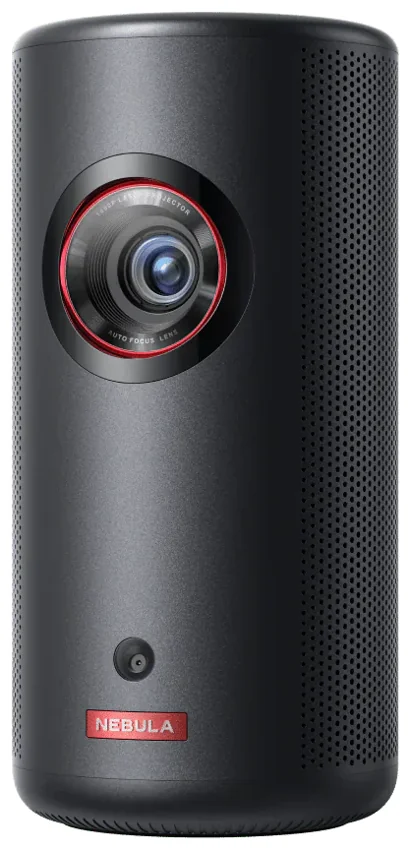
soundcore Nebula Capsule 3 Laser — Front lens and cylindrical bodysoundcore Nebula

soundcore Nebula Capsule 3 Laser

The Capsule 3 Laser packs a 1080p laser projector into a cylindrical body that weighs about two pounds. Its battery and 8 W speaker let you watch without arranging an outlet and external sound system first. For travel, allow room for its charging cable and check the available projection surface before picking a screen size.

  • Display resolution: 1080p
  • Built-in speakers: 8 W
  • Battery: Up to 2.5 hours of movie playback (manufacturer estimate)
View Product Details

iPhone projector connection choices

What you want to playConnection to look forWhat to verify
Photos or presentationsCompatible iPhone mirroring receiverSame Wi-Fi or the receiver’s specified direct-mirroring procedure
A phone app over a cableHDMI input and an adapter matched to the iPhoneUSB-C or Lightning connector, app playback and HDCP support
Subscription moviesLicensed projector app or supported HDMI streamerYour service is available on that exact US edition; separate Bluetooth audio output if needed

Matching the projector to your iPhone setup

Aurzen ZIP for short wireless sessions

Aurzen lists screen mirroring on the ZIP. Try the specific app you plan to use. Sharing the Photos screen successfully does not establish that a subscription service will play protected movies.

Dangbei DBOX02 for a permanent HDMI source

A fixed installation leaves room for an HDMI cable, an iPhone-compatible video adapter or a streaming player. Connect the adapter to the phone, select the correct projector input, and test playback before routing the cable.

Nebula Capsule 3 Laser for separate movie audio

The Capsule can pair with a Bluetooth speaker or headphones. If the chosen streaming app is available on your edition, play the movie on the projector and keep the iPhone free for other tasks.

How to connect an iPhone projector

For wired playback, identify the connector on your iPhone first. Apple lists different adapters for Lightning and USB-C models. Check the receiving projector’s video port and the adapter’s display support before ordering.

For AirPlay, Apple specifies a compatible receiving device on the same Wi-Fi network. A projector advertising Wi-Fi, Google Cast or Bluetooth does not by itself establish AirPlay compatibility. An external receiver is an option when the projector has a compatible input.

How we evaluated iPhone projector compatibility

We distinguished three separate capabilities in the documentation: accepting a video input, receiving wireless video, and sending audio to another device. Confirm functionality for the edition, adapter and streaming service you own.

iPhone projector playback questions

Why can I mirror photos but not play a film from the same iPhone?

Some apps restrict AirPlay or protected video output. Check the service’s supported playback devices. A licensed app on the projector or a compatible streaming player can provide another route.

Where should I pair my Bluetooth headphones?

Pair them with the device that is producing the movie audio. When the app runs on the projector, use its accessory or audio settings and confirm that the model supports headphone output.

Projector models for an iPhone setup

Aurzen Projectors with Bluetooth

Nebula Projectors with Bluetooth

Dangbei Projectors with Bluetooth

Aurzen ZIP