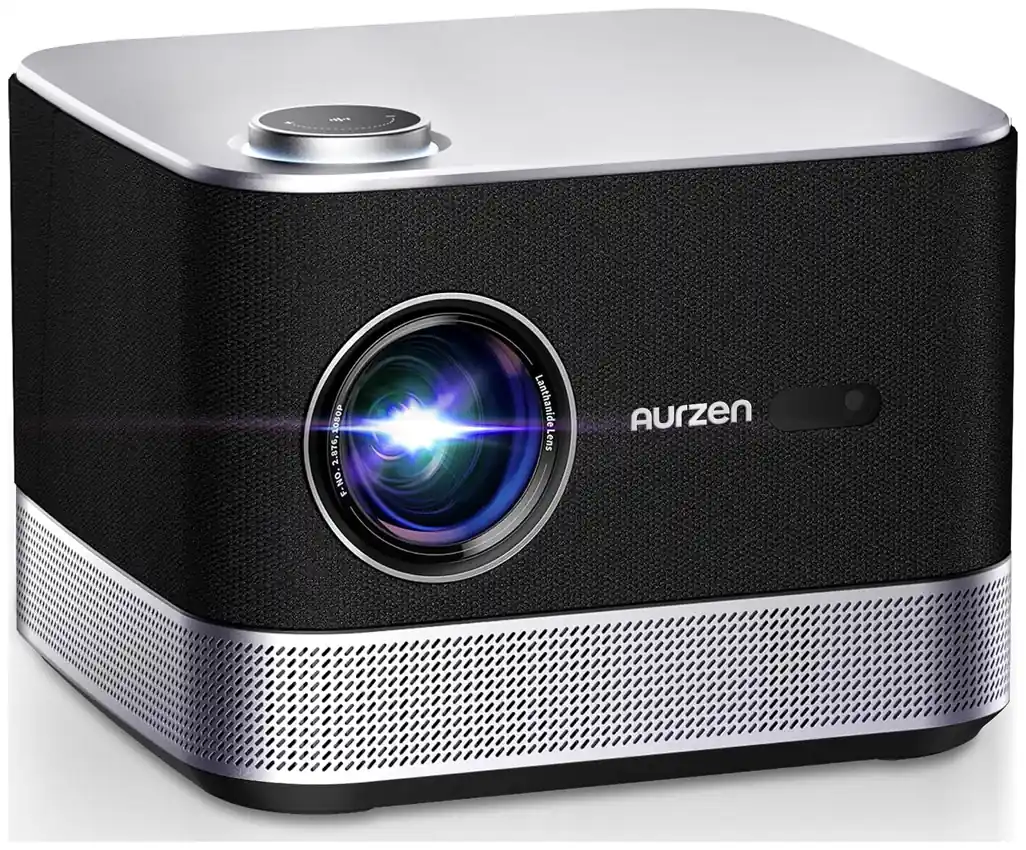
The BOOM 3 builds a 36 W speaker system into a native 1080p smart projector. That combination is useful if a movie night moves between rooms and you want to carry fewer boxes. Built-in apps handle playback, while the Bluetooth settings let you use another speaker or play music through the projector.
Placement and setup: Autofocus and automatic keystone correction
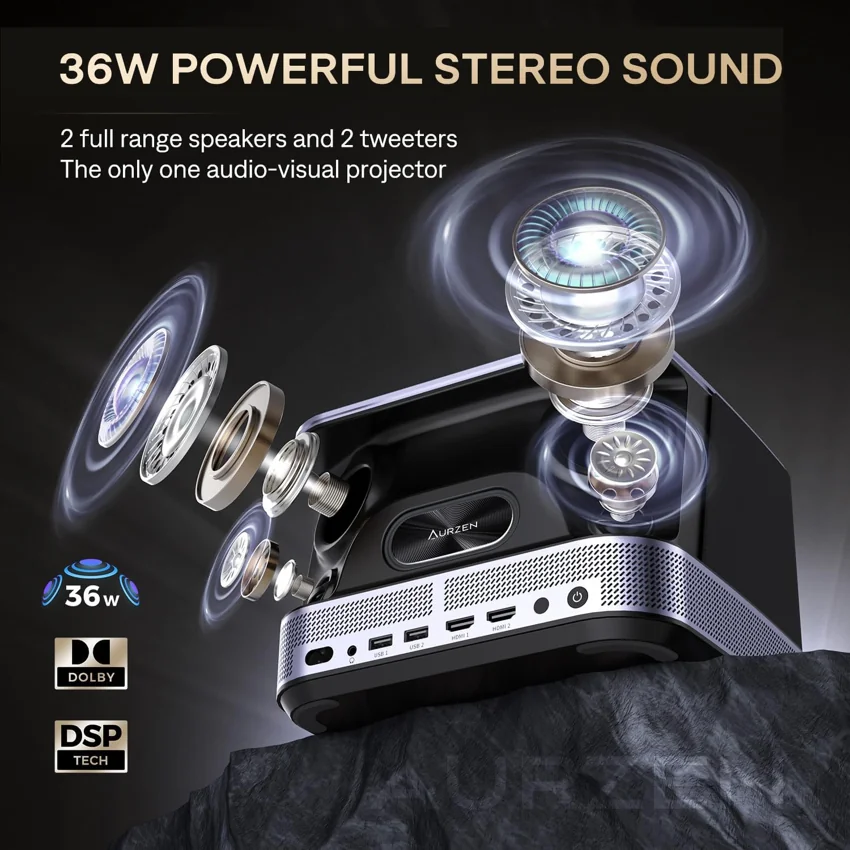
Built-in speakers: 36 W, 2.2-channel system
Aurzen BOOM 3 at a glance
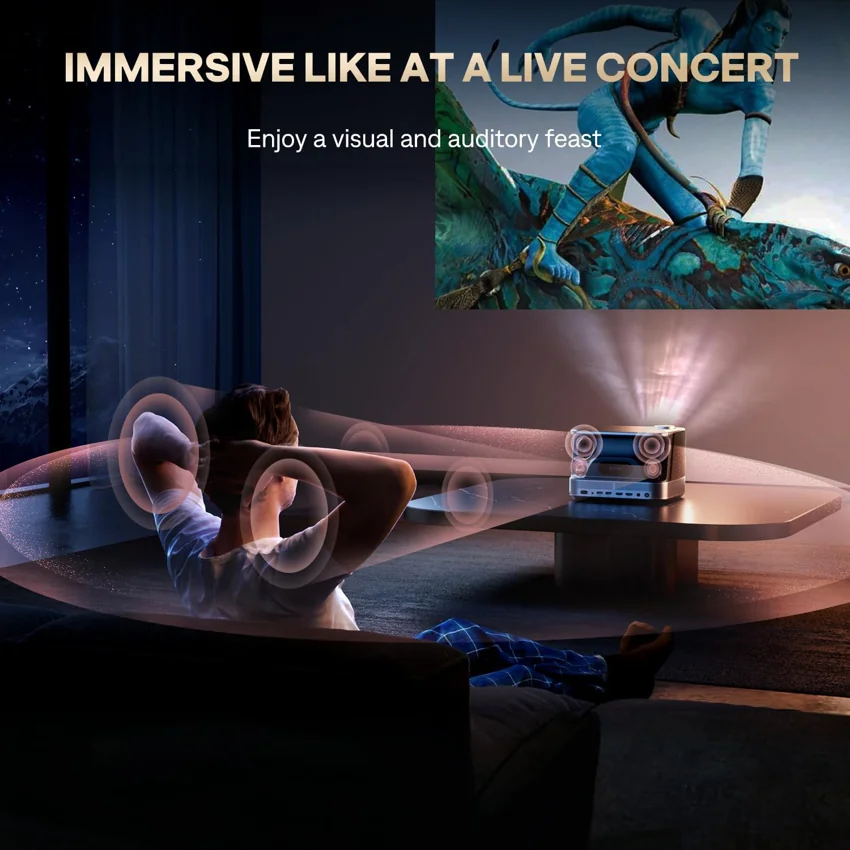
The BOOM 3 is a practical starting point for a simple movie setup because its substantial built-in speaker system removes the immediate need to position and power another audio device.
Aurzen BOOM 3 buying considerations
Sound still comes from the projector’s location. If that position is several feet behind your seat, an external speaker nearer the screen can make it easier to associate voices with the picture.
Aurzen BOOM 3 specifications
Specification
Aurzen BOOM 3
Display resolution
Native 1080p; accepts supported 4K input
Built-in speakers
36 W, 2.2-channel system
Streaming platform
Built-in smart TV
Placement and setup
Autofocus and automatic keystone correction
Rated brightness
500 ANSI lumens (manufacturer rating)
Bluetooth supported
Yes
Setting up the Aurzen BOOM 3
Use a supported streaming app on the projector or connect a playback device over HDMI. Aurzen’s help center identifies HDMI as the video path for a compatible 4K source. The image on the wall is 1080p.
The EAZZE D1 Pro keeps the native 1080p picture of the D1 and pairs it with a 20 W speaker system and dbx-tv audio processing. It fits a living room where you want to watch through the projector’s own speakers most nights, then switch to a Bluetooth headset when the room needs to stay quiet.
Yes. Aurzen documents external Bluetooth speakers for audio output. The projector also has a separate speaker mode for receiving music from another device.
Will the BOOM 3 display a native 4K image?
Its native display resolution is 1080p. It can accept supported 4K content through HDMI and scale the picture to that resolution.


 Aurzen