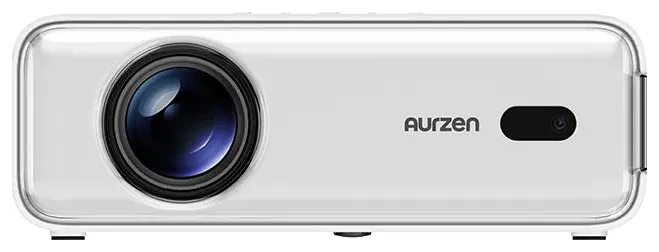
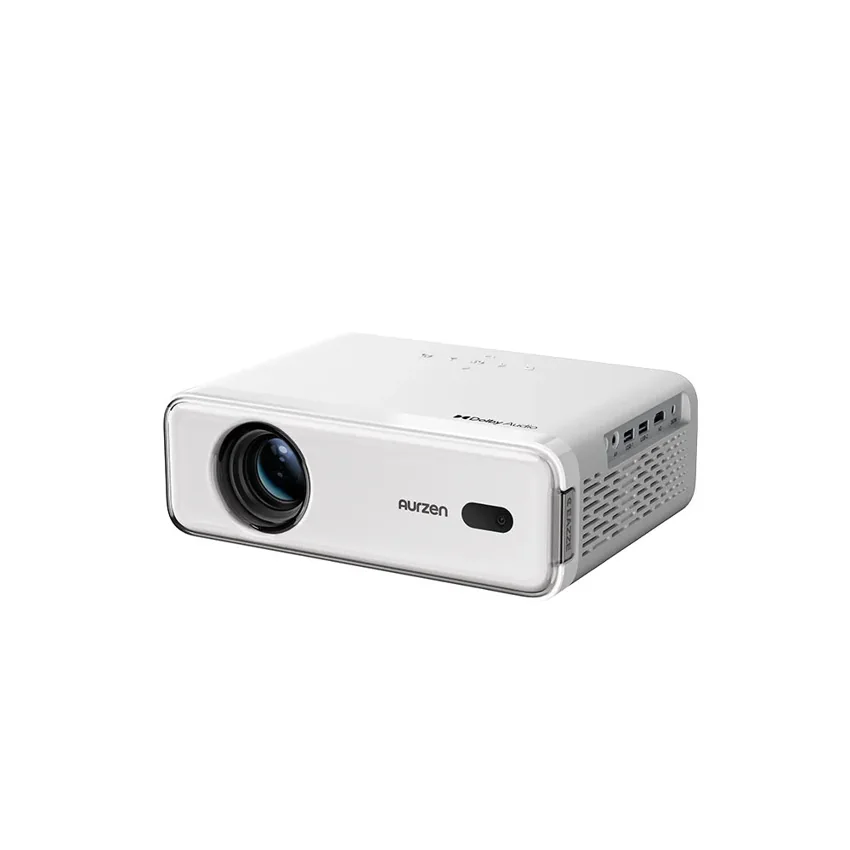
The EAZZE D1 suits a room where one box needs to handle both streaming and sound. Its smart TV system includes Netflix, while the two built-in speakers can also play music from a phone. For quiet viewing, pair headphones directly with the projector and leave the video on the built-in app or an HDMI source.
Display resolution: Native 1080p
Placement and setup: Autofocus and automatic keystone correction
Built-in speakers: 2 × 8 W
Bluetooth: 5.1, two-way
Aurzen EAZZE D1 at a glance
Choose the D1 if you want to start a film without finding a separate streaming stick or speaker. The combination of licensed apps and two-way Bluetooth is particularly useful in a bedroom shared with someone who wants quiet.
Aurzen EAZZE D1 buying considerations
Check the app list against the services you actually use. The D1 has its own smart TV system; the EAZZE D1G is the model in this family with Google TV.
Aurzen EAZZE D1 specifications
Specification
Aurzen EAZZE D1
Display resolution
Native 1080p
Bluetooth
5.1, two-way
Built-in speakers
2 × 8 W
Streaming platform
Built-in smart TV
Placement and setup
Autofocus and automatic keystone correction
Bluetooth supported
Yes
Setting up the Aurzen EAZZE D1
Place the D1 square to the wall first, then use autofocus and the automatic alignment tools. Its 50–100% image scaling can make a picture smaller when a shelf limits your placement options.
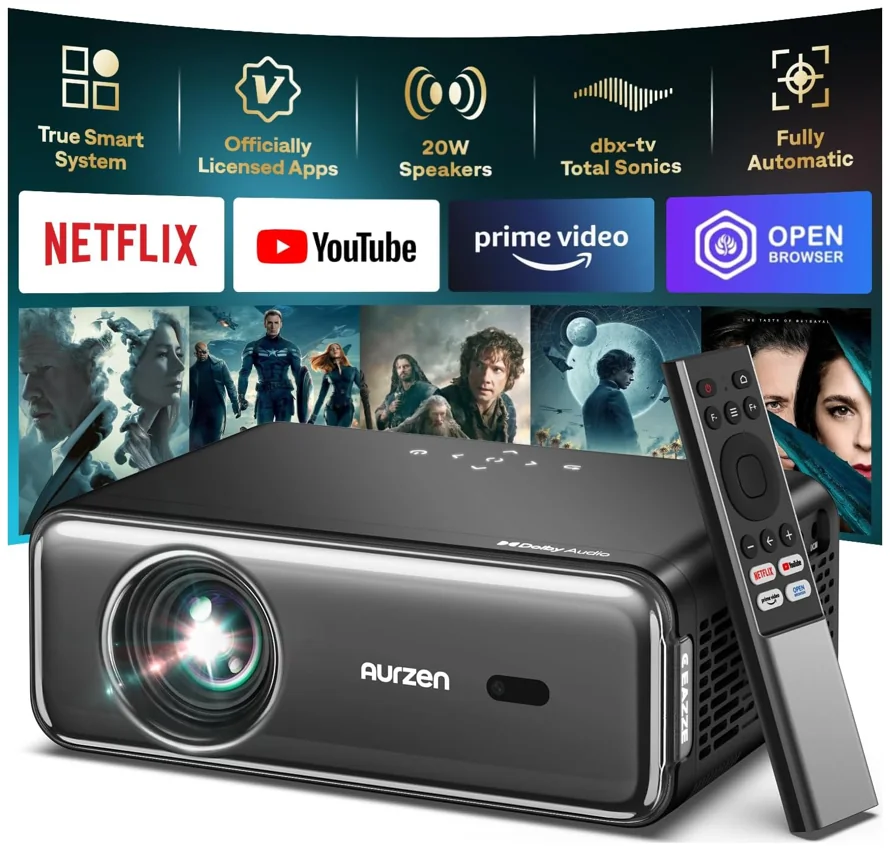
The EAZZE D1 Pro keeps the native 1080p picture of the D1 and pairs it with a 20 W speaker system and dbx-tv audio processing. It fits a living room where you want to watch through the projector’s own speakers most nights, then switch to a Bluetooth headset when the room needs to stay quiet.
Yes. The US model supports external Bluetooth headphones, speakers and soundbars. Its speaker mode also accepts audio from a phone. Use a separate video connection or an onboard streaming app for the picture.
What happens to a 4K input on the EAZZE D1?
The projector accepts supported 4K material and displays it at its native 1080p resolution. A 4K label on the source describes the signal you send.
 Aurzen